Best IPTV Apps for Firestick, Android TV and Smart TV in 2026
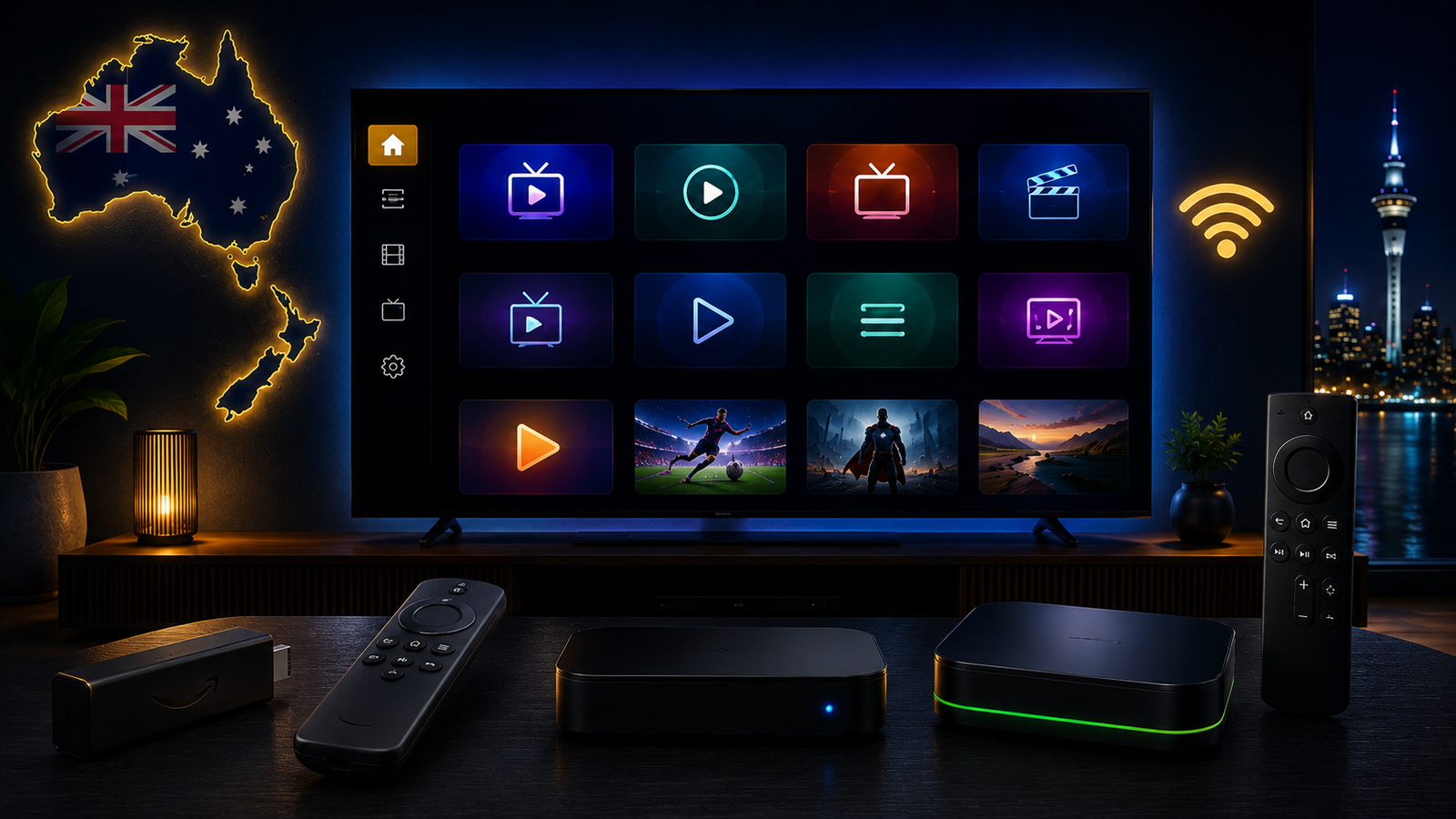
Choosing the best IPTV app for Firestick, Android TV or Smart TV can make a big difference in your streaming experience. Many people focus only on the IPTV subscription, but the app you use is just as important. A good IPTV player can make navigation easier, loading smoother, categories cleaner and everyday viewing more comfortable.
The wrong app can create problems even when your internet is stable and your device is good. You may notice slow loading, missing categories, poor EPG display, buffering, freezing, login errors or a confusing interface that is difficult to control with a TV remote. This is why choosing the right IPTV app matters.
This guide explains what to look for in an IPTV app in 2026, which features matter most, how apps behave differently on Firestick, Android TV and Smart TV, and how to avoid common setup mistakes. The goal is to help you choose a stable app that matches your device, your internet connection and your viewing habits.
What Is an IPTV App?
An IPTV app is the player or interface you use to load and watch IPTV streams. It works like a media player designed for internet-based television. The app usually allows you to enter login details, playlist information or server details, then it organizes the content into categories.
A good IPTV app does not only play video. It also helps with navigation, favourites, search, channel categories, EPG, playback settings and device control. When an app is well designed, it feels natural to use on a TV screen. When it is poorly designed, simple actions like changing categories or finding a channel can become frustrating.
It is important to understand that an IPTV player app is not the same as an IPTV provider. The app is only the tool. The quality of your experience depends on the app, your device, your internet connection and the provider details you use.
Best IPTV App Features to Look For in 2026
Instead of choosing an app only because it is popular, it is better to look at the features that actually affect daily use. The best IPTV app for one person may not be the best for another because devices and needs are different.
Easy Login Support
A good IPTV app should make login simple. Some apps support username, password and server details. Others support playlist URLs or portal-style setup. Before installing an app, make sure it supports the type of details you have.
Many setup problems happen because the app and login method do not match. If the app asks for one type of login but your details are in another format, the setup will not work properly.
Remote-Friendly Interface
Firestick, Android TV and Smart TVs are usually controlled with a remote. That means the app should be easy to use without a mouse or keyboard. Menus should be clear, categories should be easy to open, and the back button should work naturally.
A remote-friendly app is especially important for everyday users who want a simple living room experience. If the app is hard to control, it may not be the right choice for a TV setup.
Favourites and Categories
Favourites are one of the most useful features in any IPTV app. Instead of searching through many categories every time, you can save the content you use most often. This makes the app faster and easier to navigate.
Good category organization also matters. The app should display sections clearly and load them without delay. If categories are messy or slow, the overall experience can feel poor even when playback is working.
EPG Support
EPG means Electronic Program Guide. It can show schedule information inside the app when supported. For many users, EPG makes the app feel more like a traditional TV guide.
EPG quality depends on the app, the provider details and how the data is loaded. If EPG takes time to appear, wait for the app to finish syncing. Some apps also have refresh or update options inside settings.
Stable Playback
The most important feature is stable playback. A good app should open streams smoothly, switch categories without crashing, and handle long viewing sessions without becoming slow.
If an app constantly freezes while other apps work well on the same device, the app may not be optimized for your setup. Testing more than one compatible app can help you find the best option.
Best IPTV Apps for Firestick
Firestick is one of the most popular devices for IPTV because it is affordable, portable and easy to connect to almost any TV. The best IPTV app for Firestick should be lightweight, fast and easy to control with the Firestick remote.
Firestick devices can have limited storage, especially older models. This means heavy apps can slow down over time. If your IPTV app takes too long to open, freezes often or struggles with categories, the device may need cleanup or a lighter app.
What Firestick Users Should Look For
- A clean interface that works well with the Firestick remote.
- Simple login options that match your provider details.
- Fast category loading and smooth channel switching.
- Favourites support for easier daily navigation.
- Good playback stability without heavy storage usage.
- Settings that allow cache refresh or playlist reload.
If you use Firestick, keep your device clean. Remove unused apps, clear cache when needed, restart the device regularly, and make sure your Wi-Fi signal is strong. Many buffering problems on Firestick come from low storage or weak Wi-Fi rather than the IPTV app alone.
Best IPTV Apps for Android TV
Android TV and Google TV are flexible platforms for IPTV. They usually support more app options than some closed Smart TV systems, which makes them a strong choice for users who want better control over their setup.
A good Android TV IPTV app should support smooth navigation, playlist organization, EPG, favourites, search and playback settings. Since Android TV devices can vary in power, the best app depends on whether you are using a strong Android TV box, a built-in TV system or a lower-cost device.
Why Android TV Is Flexible
Android TV allows users to manage apps more easily. You can clear cache, check storage, update apps and often choose from more compatible IPTV players. This flexibility makes troubleshooting easier when something does not work.
If one app does not perform well, you can test another compatible option. This is one reason many users prefer Android TV boxes or Google TV devices for IPTV setup.
Best IPTV Apps for Smart TV
Smart TV setup is convenient because everything runs directly on the television. Samsung, LG, Sony, Hisense and other Smart TVs may support IPTV apps depending on the operating system and app store.
The main benefit of Smart TV apps is simplicity. You do not need extra hardware. You open the app directly from the TV menu and use the same remote. This can be perfect when the TV supports a reliable app and has enough performance.
The downside is that app availability can be limited. Some Smart TV app stores do not offer the same range of IPTV apps as Android TV. Older TVs may also become slow, especially when loading large playlists or EPG data.
Smart TV App Tips
- Check your TV app store before choosing a setup method.
- Make sure the app supports your login method.
- Restart the TV after installing the app.
- Keep the TV software updated where possible.
- Use Ethernet if the TV is far from the router.
- Consider Firestick or Android TV box if the TV app is slow.
Free vs Paid IPTV Apps
Some IPTV apps are free, while others require a one-time payment, activation or subscription for the player features. Free apps can be useful for basic testing, but they may have limited features, ads, weaker support or less polished interfaces.
Paid apps may offer a cleaner interface, better EPG handling, more stable playback, multi-device options or stronger customization. However, paying for an app does not automatically mean it will work best on every device. Compatibility still matters.
The best approach is to choose an app based on your device and your needs. If the app feels smooth, loads categories well, supports your login method and plays streams consistently, it may be a good choice.
Common IPTV App Setup Mistakes
Many IPTV setup problems come from small mistakes. Before assuming the service or app is broken, check these common issues.
Typing Login Details Incorrectly
Usernames, passwords and server details are often case-sensitive. One wrong letter, extra space or missing character can stop the app from loading. Copy details carefully and avoid adding spaces at the beginning or end.
Using the Wrong App Type
Some apps require one login format, while others require another. If your details do not match the app format, the setup will fail. Always check what type of login the app supports before installing it.
Installing Too Many Apps
Installing many IPTV apps at the same time can make troubleshooting harder. It can also slow down devices with limited storage. Start with one reliable app, test it properly, then try another only if needed.
Ignoring Wi-Fi Problems
Users sometimes blame the app when the real problem is Wi-Fi. If your connection is weak, any app can buffer. Test your device closer to the router or use Ethernet if possible.
How to Improve IPTV App Performance
If your IPTV app is slow, freezes or buffers, there are several simple steps you can try before changing your setup completely.
- Restart your streaming device.
- Restart your router.
- Clear the IPTV app cache.
- Remove unused apps from your device.
- Use Ethernet if possible.
- Update the app if an update is available.
- Try a different compatible app if problems continue.
You can also read our IPTV Buffering Fix Australia guide for more detailed troubleshooting steps.
Which Device Has the Best IPTV App Experience?
The best device depends on your situation. Firestick is simple and popular. Android TV is flexible and often supports more apps. Smart TV is convenient when the built-in app works well. Android boxes can be powerful when you choose a reliable model.
If you want the easiest setup, a supported Smart TV app or Firestick can work well. If you want more control, Android TV or a strong Android box may be better. If your TV is old or the app store is limited, using an external device can improve the experience.
For a full device overview, read our Best IPTV Setup Guide for Australia and New Zealand in 2026.
How to Choose the Best IPTV App for Your Setup
The best IPTV app is the one that fits your device, your login method and your daily viewing style. Do not choose only based on screenshots or popularity. Choose based on real performance on your own device.
- If you use Firestick, choose a lightweight and remote-friendly app.
- If you use Android TV, choose an app with good organization and playback settings.
- If you use Samsung or LG Smart TV, check app store availability first.
- If you use an older TV, consider an external device for smoother performance.
- If buffering happens, test your Wi-Fi before changing the app.
If you are unsure which app to use, message Ultim4K on WhatsApp with your device model, country and preferred setup. This helps us guide you toward an option that fits your device instead of guessing.
Related Ultim4K Guides
These related guides can help you continue your IPTV setup:
- Best IPTV Setup Guide for Australia and New Zealand in 2026
- IPTV on Smart TV Australia: Samsung, LG, Sony and Android TV Setup Guide
- IPTV Buffering Fix Australia: Why It Happens and How to Improve Streaming
- IPTV for New Zealand Viewers: Setup Tips, Devices and Streaming Guide
FAQ
What is the best IPTV app for Firestick?
The best IPTV app for Firestick is usually lightweight, stable, remote-friendly and compatible with your login method. It should load categories quickly and work smoothly without using too much storage.
What is the best IPTV app for Android TV?
A good Android TV IPTV app should support smooth navigation, favourites, EPG, search, category organization and stable playback. Android TV gives more flexibility than many closed Smart TV systems.
Can IPTV apps work on Samsung and LG Smart TVs?
Yes, IPTV apps can work on supported Samsung and LG Smart TVs when a compatible app is available in the TV app store. App availability depends on the model, region and operating system.
Why does my IPTV app buffer?
Buffering can happen because of weak Wi-Fi, unstable internet, old device hardware, app cache, low storage, high stream quality or provider-side load.
Do IPTV apps provide channels by themselves?
Most IPTV apps are only player apps and do not provide content by themselves. You need valid login or playlist details and should only access content you are allowed to watch.
Need Help Choosing the Right IPTV App?
Message Ultim4K on WhatsApp and tell us your device model, country and preferred plan. We will help you choose a setup that fits Firestick, Android TV or Smart TV.
💬 WhatsApp Ultim4K