Best IPTV Setup Guide for Australia and New Zealand in 2026
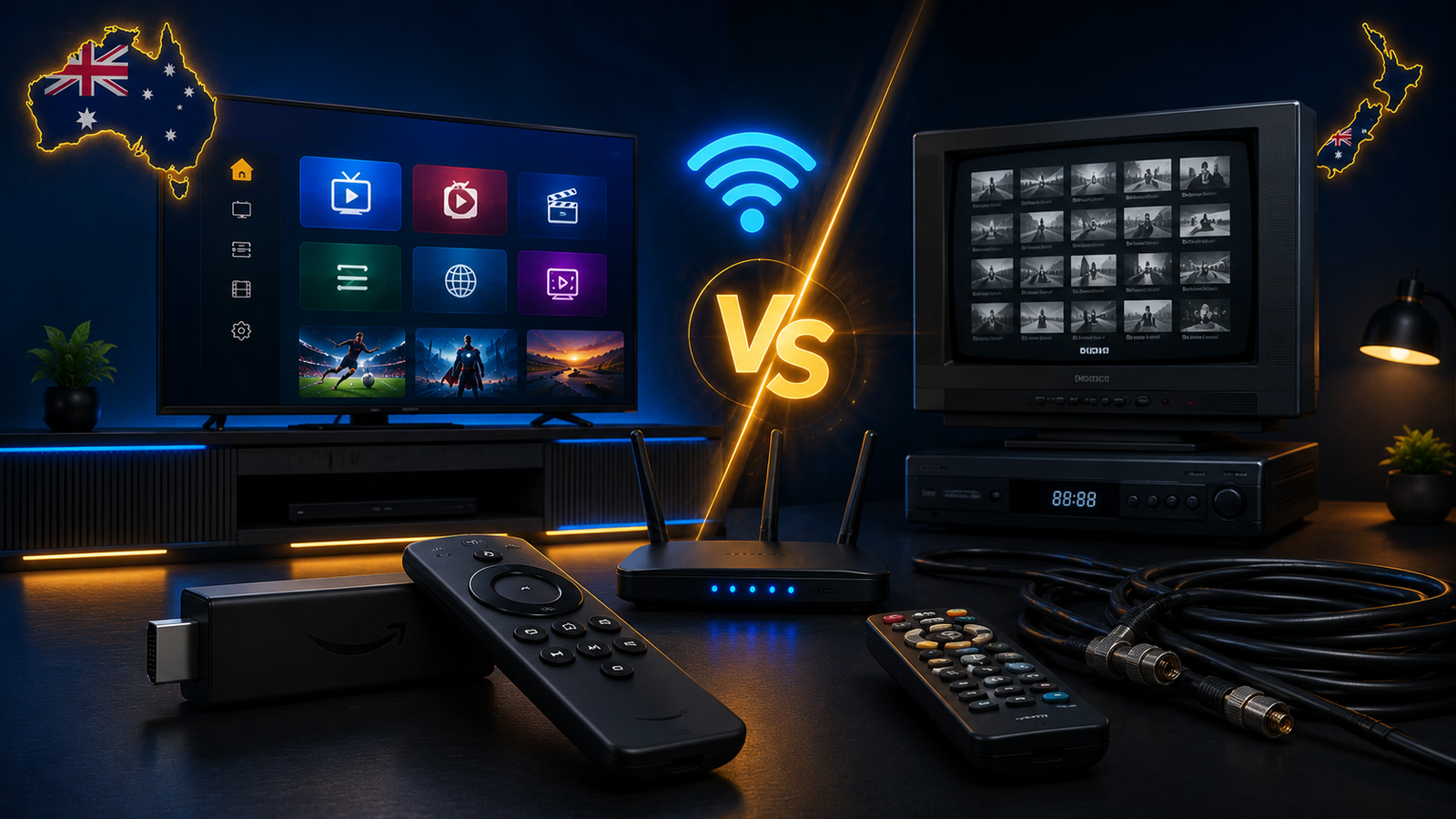
Setting up IPTV in Australia or New Zealand can be simple when you understand the right order of steps. Most problems do not come from the idea of IPTV itself. They usually come from choosing the wrong app, using an old device, having weak Wi-Fi, entering login details incorrectly, or expecting a low-powered device to handle high-quality streams without any setup checks.
This guide is written for beginners and everyday users who want a smoother IPTV setup on Smart TV, Firestick, Android TV, Android box, mobile, tablet or computer. The goal is to help you understand what matters before you choose a plan, install an app, or contact support. A good IPTV experience is not only about having a subscription. It is about having the right device, stable internet, a compatible app, and clear setup instructions.
Ultim4K focuses on helping viewers in Australia and New Zealand set up IPTV in a practical way. This means clear device guidance, simple setup help, buffering tips, and support through WhatsApp when you need help choosing the right option for your device.
What Is IPTV and How Does It Work?
IPTV stands for Internet Protocol Television. In simple words, it means video content is delivered through an internet connection instead of traditional cable or satellite infrastructure. You use an app on a supported device, add your login or playlist details, and stream content through that app.
The technology itself is not complicated, but the setup can feel confusing because every device works differently. A Samsung Smart TV does not behave exactly like a Firestick. An Android TV box is not the same as an iPhone. Some apps support EPG, favourites and categories better than others. Some devices handle 4K streams smoothly, while older devices may struggle.
That is why the best IPTV setup is not the same for everyone. The right setup depends on your device, your internet connection, your home Wi-Fi quality, your app preference and your viewing habits.
Best Devices for IPTV in Australia and New Zealand
Before installing anything, the first decision is the device. IPTV can work on many devices, but the experience changes depending on performance, app support and ease of use.
Firestick
Firestick is one of the most popular IPTV devices because it is affordable, portable and easy to connect to almost any TV. If your Smart TV does not support the app you want, a Firestick can be a simple solution.
The main benefit of Firestick is flexibility. You can install compatible streaming apps, use a remote-friendly interface, and move it between TVs if needed. For beginners, it is often easier than trying to force an old Smart TV to run apps that are no longer well supported.
The downside is that low-storage or older Firestick models can slow down if too many apps are installed. To keep it smooth, remove unused apps, clear app cache from time to time, restart the device, and avoid filling the storage.
Smart TV
Smart TVs are convenient because everything runs directly on the television. Samsung, LG, Sony, Hisense and Android TV models may support IPTV apps depending on the operating system and app store.
A Smart TV setup is clean because you do not need extra hardware. However, app availability can be limited on some models. Older TVs may also feel slow, especially when loading large playlists or high-quality streams.
If your Smart TV supports the right app and performs well, it can be a good choice. If the app store is limited or the TV feels slow, a Firestick or Android TV box may give a better experience.
Android TV Box
Android TV boxes are flexible and can be powerful when you choose a reliable model. They often give more control over apps, storage and settings. For users who want more options, an Android box can be a strong choice.
The important thing is to avoid very weak, low-quality boxes. Cheap devices may work at first but later become slow, overheat, or struggle with higher-quality streams. Look for stable hardware, enough RAM, good Wi-Fi, and reliable software support where possible.
Mobile, Tablet and Computer
IPTV can also work on phones, tablets and computers. These are useful for testing, travel or occasional viewing. However, for daily use, most people prefer a TV setup because it is more comfortable.
Mobile streaming depends heavily on connection quality. If you use mobile data, check your data limits and signal strength. For home use, Wi-Fi or Ethernet is usually more stable.
Internet Requirements: Stability Matters More Than Speed
Many people think IPTV problems always happen because the internet is not fast enough. Speed matters, but stability matters more. A fast connection that drops every few minutes can cause buffering. A moderate connection that is stable can often feel smoother.
In Australia, many homes use NBN plans with different speeds and technologies. In New Zealand, fibre is common in many areas. But even with a strong plan, your streaming device may receive a weak signal if the router is too far away, blocked by walls, or overloaded by many connected devices.
Use Ethernet When Possible
Ethernet is usually more stable than Wi-Fi. If your Android TV box, Smart TV or streaming device supports cable connection, it can reduce buffering and improve consistency. This is especially useful for high-quality streams.
Improve Wi-Fi Signal
If you use Wi-Fi, place the router in a central location. Avoid hiding it in cabinets or behind furniture. Thick walls, long distances, metal objects and other electronics can weaken the signal.
If your TV is far from the router, consider mesh Wi-Fi, a better router, or a powerline adapter. The goal is not only speed. The goal is a steady connection between your router and your streaming device.
Choosing the Right IPTV App
The IPTV app is the interface you use every day. A good app should be stable, easy to navigate, and suitable for your device. Some apps are better for Firestick, some are better for Android TV, and some are designed for Smart TVs.
When choosing an app, check whether it supports the type of login or playlist you use. Look for features like favourites, EPG support, category organization, simple navigation, and smooth playback. Avoid installing too many apps at once because it can make troubleshooting harder.
If you are not sure which app to use, contact Ultim4K on WhatsApp and mention your device model. This makes it easier to recommend a practical setup instead of guessing.
Basic IPTV Setup Steps
The exact process depends on your device and app, but the general setup usually follows the same structure.
- Choose your device: Smart TV, Firestick, Android TV box, mobile, tablet or computer.
- Check your internet: Make sure Wi-Fi is stable or use Ethernet if possible.
- Install a compatible IPTV app: Choose an app that works well with your device.
- Add your login details: Enter the details carefully without extra spaces or typing errors.
- Load channels or categories: Wait for the app to sync properly.
- Organize favourites: Save the content you use most often for easier navigation.
- Test playback: Try different categories and check if buffering happens.
- Adjust settings if needed: Restart the app, clear cache, improve Wi-Fi or change player settings.
How to Reduce IPTV Buffering
Buffering is one of the most common IPTV issues. It can happen for several reasons, and the solution depends on the cause.
Check Wi-Fi Strength
Weak Wi-Fi is a common reason for freezing and buffering. If possible, move your streaming device closer to the router or use Ethernet.
Restart Router and Device
Routers and streaming devices can slow down after running for a long time. Restarting both can refresh the connection and clear temporary issues.
Clear App Cache
IPTV apps may store temporary data. If the app becomes slow, clearing the cache can help. This is especially useful on Firestick and Android devices.
Avoid Overloaded Devices
If your device has too many apps running or very little storage, streaming performance can suffer. Remove unused apps and keep your device clean.
How to Choose the Right Plan
A good plan should match your usage. If you are still testing your setup, a shorter plan can make sense. If your device works well and your connection is stable, a longer plan may offer better value.
Ultim4K currently focuses on simple plan options for Australia and New Zealand viewers. You can check the pricing section on the homepage to compare 3-month, 6-month and 12-month options.
Before choosing, think about your device, internet connection and how often you stream. If you are unsure, message Ultim4K on WhatsApp with your country, device model and preferred plan.
Internal Guides You May Need Next
After reading this general setup guide, you may also want to check related guides:
- IPTV on Smart TV Australia: Samsung, LG, Sony and Android TV Setup Guide
- IPTV Buffering Fix Australia: Why It Happens and How to Improve Streaming
- Best IPTV Apps for Firestick, Android TV and Smart TV in 2026
- IPTV for New Zealand Viewers: Setup Tips, Devices and Streaming Guide
Image Alt Text Suggestions
- Best IPTV setup guide for Australia and New Zealand in 2026
- Smart TV IPTV setup with Firestick and Wi-Fi connection
- Ultim4K IPTV setup guide for Australian and New Zealand viewers
- Modern IPTV streaming setup with remote control and 4K interface
FAQ
What is the easiest IPTV device for beginners?
Firestick is often one of the easiest choices for beginners because it is simple to connect, portable and supports many streaming apps. A supported Smart TV app can also be convenient if your TV works well with the app.
Does IPTV work well in Australia and New Zealand?
IPTV can work well in Australia and New Zealand when the device, app and internet connection are stable. The final experience depends on setup quality, provider terms, location, rights and connection performance.
Why does IPTV buffer even with fast internet?
Buffering can happen even with fast internet if Wi-Fi is weak, the router is overloaded, the device is slow, the app cache is full, or the stream quality is too high for the connection at that moment.
Should I use Ethernet or Wi-Fi for IPTV?
Ethernet is usually more stable than Wi-Fi. If your device supports Ethernet, it can improve consistency. If you use Wi-Fi, make sure the router is close enough and the signal is strong.
Can Ultim4K help me choose the right setup?
Yes. You can message Ultim4K on WhatsApp with your country, device model and preferred plan. This helps us guide you toward the setup that fits your device and internet connection.
Need Help Setting Up IPTV?
Need help setting up IPTV on your device? Message Ultim4K on WhatsApp and tell us your device model, country, and preferred plan.
💬 WhatsApp Ultim4K