IPTV for New Zealand Viewers: Setup Tips, Devices and Streaming Guide
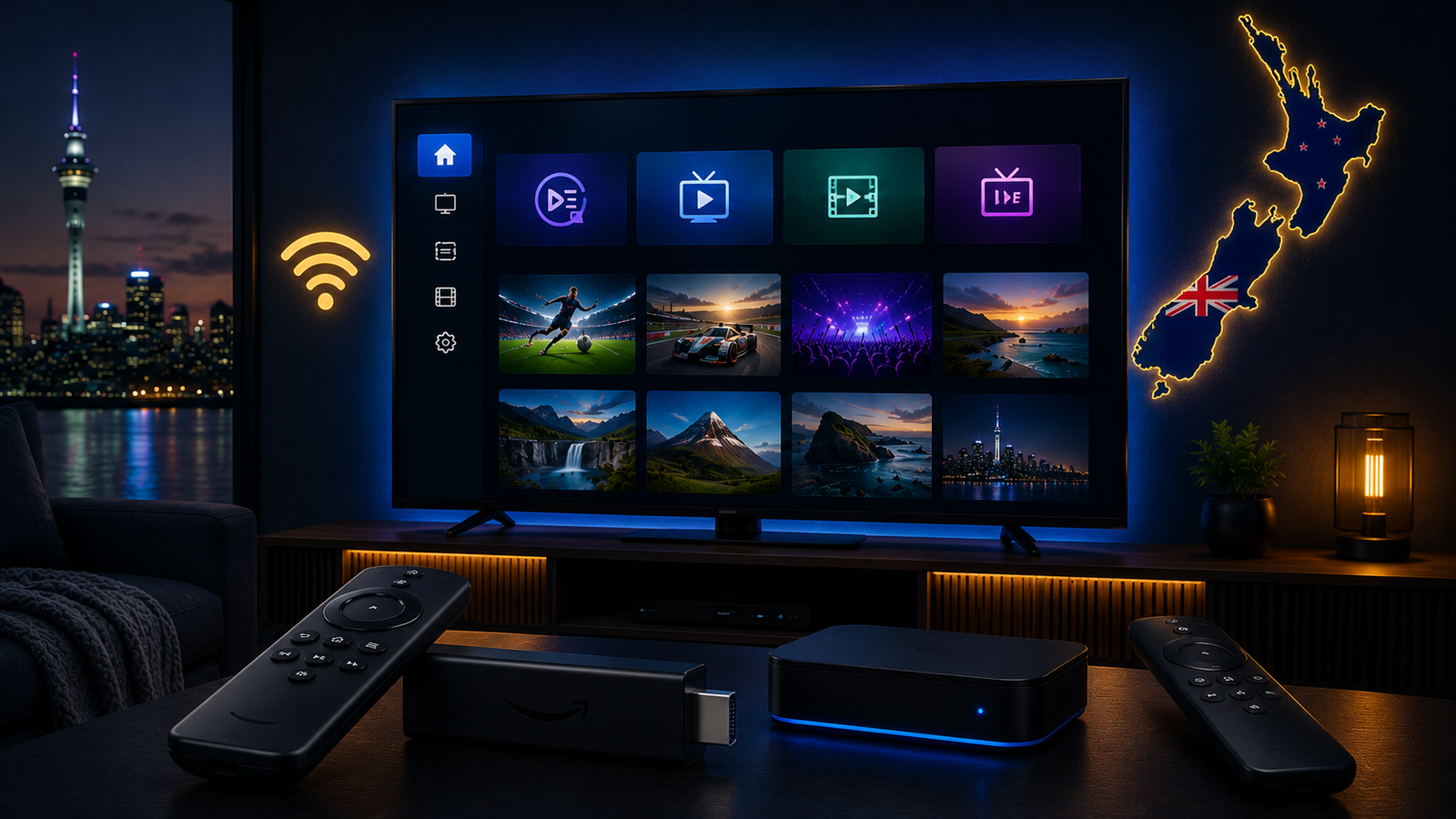
IPTV setup for New Zealand viewers can be simple when the right device, app and internet connection are used together. Many people think IPTV is difficult because they see different app names, device options and login methods, but the basic idea is easy: choose a supported device, install a compatible IPTV app, add your details carefully and make sure your connection is stable.
The best IPTV experience does not depend only on the subscription. It also depends on your Smart TV, Firestick, Android TV, Android box, Wi-Fi strength, router quality and the app you use every day. A good setup can make streaming smoother, reduce buffering and make navigation easier.
This guide is written for New Zealand viewers who want practical IPTV setup advice. It covers the best device options, app selection, Smart TV tips, Firestick setup, Android TV guidance, internet stability, buffering fixes and how to choose the right plan for your device.
What New Zealand Viewers Need Before Setting Up IPTV
Before installing an IPTV app, it is better to prepare the basics. This helps avoid common setup problems such as login errors, channels not loading, app freezing or buffering during playback.
- A supported device such as Smart TV, Firestick, Android TV, Android box, mobile, tablet or computer.
- A stable home internet connection with strong Wi-Fi or Ethernet if possible.
- A compatible IPTV app that supports your login method.
- Correct login or playlist details entered without extra spaces.
- Enough time for the app to load categories, favourites and EPG data.
If you are not sure which app is suitable, it is better to check your device model first. The best app for a Samsung Smart TV may not be the same as the best app for Firestick or Android TV.
Best Devices for IPTV in New Zealand
IPTV can work on many devices, but each device gives a different experience. Some are easier for beginners, while others offer more flexibility and stronger performance.
Smart TV
Smart TV setup is convenient because everything runs directly on the television. New Zealand viewers using Samsung, LG, Sony, Hisense, TCL or Android TV models may be able to install an IPTV app from the TV app store.
The benefit is simplicity. You do not need extra hardware or another remote. The downside is that app availability depends on the TV brand, model and operating system. Older Smart TVs can also become slow when loading large playlists or guide data.
If your Smart TV supports a stable app and performs well, it can be a clean setup. If the TV is old, missing apps or slow, Firestick or Android TV box may be easier.
Firestick
Firestick is a popular IPTV option because it is small, portable and simple to connect to almost any TV. It can be useful when your Smart TV app store does not offer the app you need.
Firestick works well for many beginners because the interface is remote-friendly and easy to understand. However, Firestick devices can slow down if storage becomes full or too many apps are installed. Clear cache, remove unused apps and restart the device regularly for better performance.
Android TV and Google TV
Android TV and Google TV are flexible options for IPTV. They usually support a wider range of apps through the Play Store and give users more control over cache, storage and playback settings.
Many Sony, TCL, Hisense and Google TV devices use Android-based systems. This can make setup easier because app support is often better than closed Smart TV platforms.
Android TV Box
Android boxes can be powerful when you choose reliable hardware. They often support many IPTV apps and can offer more storage and flexibility than older Smart TVs.
Avoid very weak low-quality boxes because they may overheat, freeze or slow down during streaming. Look for stable hardware, enough memory, good Wi-Fi support and a simple interface.
Mobile, Tablet and Computer
IPTV can also work on phones, tablets and computers. These devices are useful for testing, travel or occasional viewing. For daily home viewing, most users still prefer a TV-based setup because it is more comfortable.
Internet Setup for IPTV in New Zealand
New Zealand has many homes with strong broadband options, but IPTV performance still depends on local home network quality. Even with a good internet plan, weak Wi-Fi can cause freezing, buffering and slow loading.
IPTV needs stable internet more than extreme speed. A connection that drops every few minutes can cause problems even if the speed test looks good. The goal is consistent delivery between your router and your streaming device.
Use Ethernet When Possible
Ethernet is usually more stable than Wi-Fi. If your Smart TV, Android box or streaming device supports a wired connection, using Ethernet can reduce buffering and improve consistency.
Improve Wi-Fi Placement
If you use Wi-Fi, place your router in an open central area. Avoid hiding it behind furniture, inside cabinets or too far from the TV. Thick walls, long distance and many connected devices can weaken the signal.
Check Router Load
If many devices are connected at the same time, your router may become overloaded. Phones, laptops, tablets, gaming consoles and cameras can all use bandwidth in the background. If IPTV buffers more during busy times, router load may be part of the issue.
Choosing the Right IPTV App
The IPTV app is the interface you use every day, so choosing the right one matters. A good app should be stable, easy to control with a remote, compatible with your login method and able to organize categories clearly.
Look for features such as favourites, EPG support, search, category organization and smooth playback. Avoid installing too many apps at once because it makes troubleshooting harder.
If you are not sure which app to use, message Ultim4K on WhatsApp with your device model and country. This helps support recommend an option that fits your setup.
Basic IPTV Setup Steps for New Zealand Viewers
The exact setup changes depending on your device, but most IPTV setups follow the same structure.
- Choose your device: Smart TV, Firestick, Android TV, Android box, mobile, tablet or computer.
- Check your internet: Make sure Wi-Fi is strong or use Ethernet when possible.
- Install a compatible IPTV app: Choose an app that works well on your device.
- Add your login details: Enter username, password, server or playlist details carefully.
- Wait for loading: Let the app load categories, guide data and favourites.
- Test playback: Open different categories and check stream stability.
- Organize favourites: Save the content you use most often.
- Fix issues step by step: Restart device, clear cache, improve Wi-Fi or test another app if needed.
How to Reduce IPTV Buffering in New Zealand
Buffering can happen on any device, but it is usually easier to fix when you test the basics first. Do not assume the problem is only the service. Check your connection, device, app and router before changing everything.
Restart Router and Device
Restart your router and streaming device. This refreshes the connection and clears temporary issues that may affect streaming.
Clear App Cache
Firestick and Android TV users should clear the IPTV app cache if the app becomes slow or freezes. Be careful not to clear app data unless you are ready to enter login details again.
Use Ethernet or Better Wi-Fi
If your device is far from the router, buffering can happen even with a good internet plan. Move closer to the router, improve placement, use Ethernet or consider mesh Wi-Fi if needed.
Test Another App
Sometimes the app is the problem. If your details work better in another compatible IPTV app, the original app may not be optimized for your device.
Smart TV Setup Tips for New Zealand Viewers
Smart TV setup is convenient when the app works well. Open your TV app store, search for a compatible IPTV player, install it, enter your details and allow the app to load.
Samsung and LG TVs may have limited app options depending on model and region. Android TV and Google TV models usually offer more app flexibility. If your Smart TV is old or slow, an external device can make the experience smoother.
You can also read our Smart TV IPTV setup guide for more device-specific tips that also apply to many New Zealand viewers.
Firestick Setup Tips for New Zealand Viewers
Firestick is useful for New Zealand viewers who want a simple streaming device without relying on the TV app store. Connect it to your TV, set it up with Wi-Fi, install a compatible IPTV app and enter your details.
Keep the Firestick clean by removing unused apps, clearing cache and restarting it regularly. If Wi-Fi is weak, move the Firestick closer to the router or consider a compatible Ethernet adapter.
How to Choose the Right IPTV Plan
Before choosing a plan, think about your device and internet quality. If you are setting up IPTV for the first time, make sure your app and device work smoothly before choosing a longer option.
A good plan should match how often you watch, what device you use and how stable your connection is. Ultim4K offers simple plan options, and you can check the pricing section on the homepage.
If you are unsure, message Ultim4K on WhatsApp with your country, device model and preferred plan. This helps support guide you toward the right setup instead of guessing.
Related Ultim4K Guides
These guides can help you improve your IPTV setup:
- Best IPTV Setup Guide for Australia and New Zealand in 2026
- IPTV on Smart TV Australia: Samsung, LG, Sony and Android TV Setup Guide
- IPTV Buffering Fix Australia: Why It Happens and How to Improve Streaming
- Best IPTV Apps for Firestick, Android TV and Smart TV in 2026
FAQ
Can IPTV work well in New Zealand?
Yes, IPTV can work well in New Zealand when your internet connection is stable, your app is compatible and your device has enough performance for smooth streaming.
What device is easiest for IPTV in New Zealand?
Firestick is often easy for beginners, Smart TV is convenient when supported, and Android TV is flexible because it usually supports more app options.
Why does IPTV buffer in New Zealand?
Buffering can happen because of weak Wi-Fi, router congestion, old device hardware, app cache, unstable internet or high stream quality.
Should I use Smart TV or Firestick?
Use Smart TV if your TV supports a reliable app and runs smoothly. Use Firestick if your TV is old, slow or missing the app you need.
Can Ultim4K help with setup?
Yes. Message Ultim4K on WhatsApp with your device model, country and preferred plan so we can help you choose a suitable setup.
Need Help Setting Up IPTV in New Zealand?
Message Ultim4K on WhatsApp and tell us your device model, country and preferred plan. We will help you choose a setup that fits your Smart TV, Firestick or Android TV device.
💬 WhatsApp Ultim4K