IPTV vs Cable TV in Australia: Which Option Is Better in 2026?
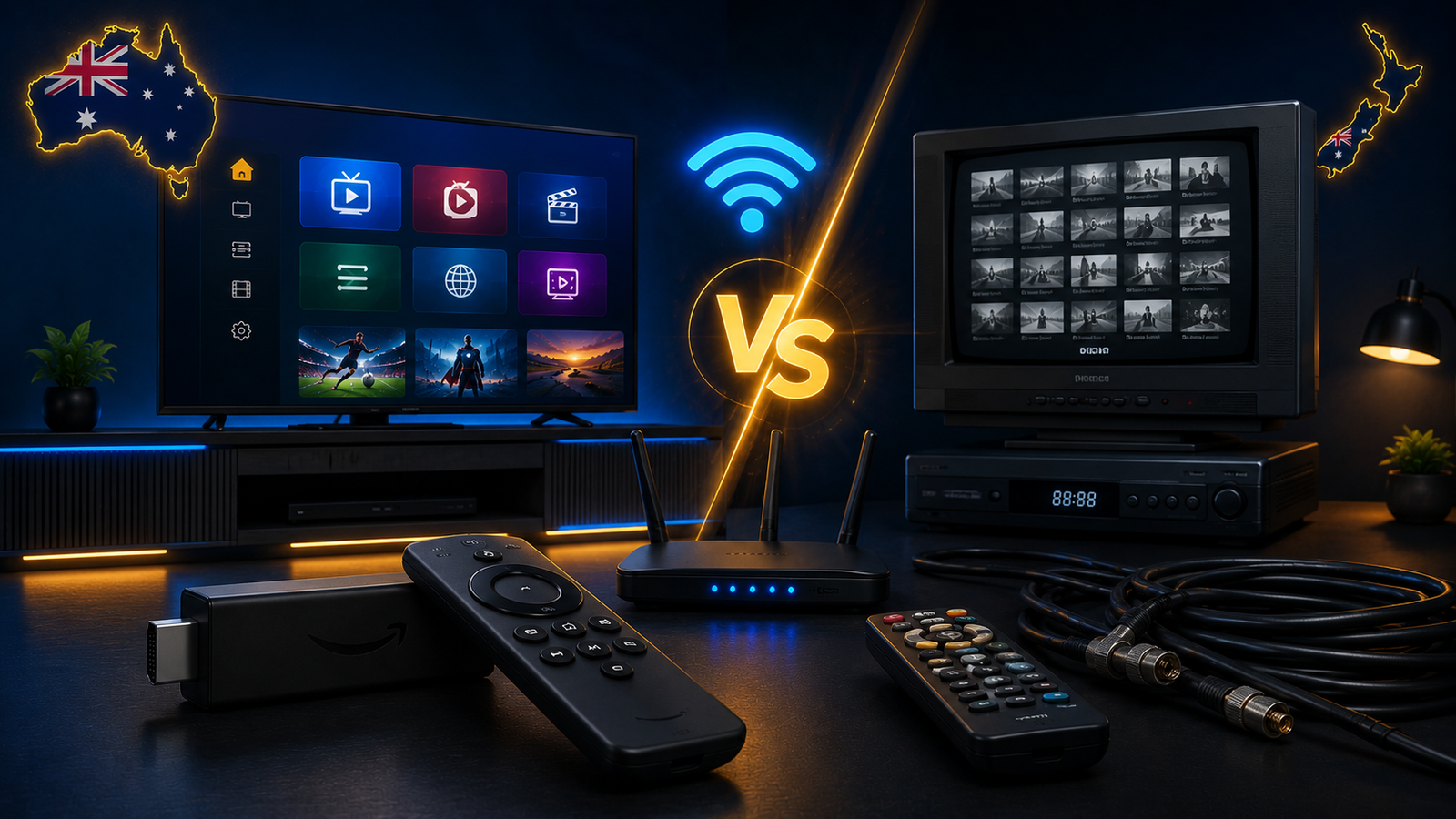
The way Australians watch television has changed a lot. Traditional cable-style TV used to be the standard choice for many homes, but app-based streaming and internet-powered viewing have become more common. In 2026, many users compare IPTV and cable TV because they want more flexibility, easier device support and a setup that fits modern viewing habits.
IPTV and cable TV can both deliver entertainment to your screen, but they work in different ways. Cable TV usually depends on a fixed provider setup and traditional infrastructure. IPTV works through an internet connection using apps on supported devices such as Smart TVs, Firestick, Android TV, Android boxes, tablets, phones and computers.
This guide compares IPTV vs cable TV in Australia from a practical user point of view. We will look at setup, devices, flexibility, internet needs, streaming quality, convenience, troubleshooting and which option may suit different types of viewers in 2026.
What Is IPTV?
IPTV stands for Internet Protocol Television. Instead of using traditional cable or satellite delivery, IPTV uses an internet connection to deliver video content to your device. You usually open an IPTV player app, add your login or playlist details, and watch through that app.
IPTV can run on many devices. This is one of the main reasons it has become popular with users who want flexibility. A viewer can use IPTV on a Smart TV in the living room, a Firestick in another room, an Android TV box, a tablet, a mobile phone or a computer depending on the setup.
The experience depends on several things: your device, app, internet stability, Wi-Fi quality, playlist organization and provider details. A good IPTV setup is not only about the subscription. It is also about having the right device and a stable connection.
What Is Cable TV?
Cable TV is a more traditional way of receiving television service. It usually relies on a provider-managed system, fixed hardware, set-top boxes or specific infrastructure depending on the provider and location. For many years, this style of TV was seen as simple because the provider handled most of the setup.
Cable TV can be comfortable for users who prefer a fixed service and do not want to install apps or manage streaming devices. Once installed, it usually works through a dedicated box or TV connection with a familiar guide and remote control.
The downside is that cable-style setups may feel less flexible for users who want to watch on multiple modern devices or prefer app-based viewing. In a world where people use Smart TVs, phones, tablets and streaming sticks, flexibility has become more important.
IPTV vs Cable TV: Main Difference
The main difference is the delivery method. Cable TV uses traditional TV infrastructure, while IPTV uses your internet connection. This difference affects almost everything: setup, flexibility, device compatibility, troubleshooting and how you watch.
With cable TV, the provider usually controls the hardware and delivery path. With IPTV, your own home setup matters more. Your router, Wi-Fi, device performance and app choice can all affect the experience.
This means IPTV gives more flexibility, but it also requires users to understand basic setup steps. Cable TV may be simpler for users who want a fixed service, but it may not offer the same level of device freedom.
Setup Comparison
IPTV Setup
IPTV setup is usually app-based. You choose a device, install a compatible IPTV app, enter your details, and let the app load categories and guide information. The process can be fast when you know which app works best for your device.
For example, a Firestick user may install a compatible player app and enter login details. A Smart TV user may search the TV app store for a supported app. An Android TV user may use the Play Store. The exact steps depend on the device.
IPTV setup can be simple, but small mistakes can cause problems. Wrong login details, weak Wi-Fi, old devices or the wrong app can lead to freezing, buffering or failed loading.
Cable TV Setup
Cable TV setup is usually more provider-managed. The provider may supply hardware, a set-top box or installation instructions. This can be easier for users who do not want to manage apps or streaming settings.
The trade-off is that you may have less control. You may be limited to the provider’s box, interface, package structure and supported devices. For users who prefer a simple traditional TV setup, this may be fine. For users who want flexibility, it may feel restrictive.
Device Flexibility
Device flexibility is one of the strongest reasons many users compare IPTV with cable TV. Modern households often have more than one screen. People watch on Smart TVs, bedroom TVs, phones, tablets, laptops and streaming sticks.
IPTV can be more flexible because it can work through apps on different supported devices. You can use it on a Smart TV, Firestick, Android TV, Android box, mobile device or computer depending on the app and setup.
Cable TV is often more tied to specific hardware or a fixed connection. This can make it simple, but it may not be as flexible if you want a modern multi-device experience.
Internet Requirements
IPTV depends on internet stability. In Australia, many users have NBN or other broadband connections, but the final streaming quality depends on more than the plan speed. Wi-Fi strength, router quality, device placement and network congestion can all affect IPTV.
Cable TV may not depend on your home internet in the same way, depending on the provider and service type. This can be an advantage for users with unstable internet. However, many modern TV services still include internet-connected features, apps or on-demand sections.
For IPTV, the key is stability. A fast internet plan can still buffer if Wi-Fi is weak. A moderate plan can work smoothly if the connection is stable, the router is placed well and the device is strong enough.
Streaming Quality
Streaming quality depends on the full setup. IPTV can deliver a smooth viewing experience when the device, app and connection are stable. High-quality streams require better Wi-Fi, stronger device performance and consistent bandwidth.
Cable TV quality may be more consistent in a traditional fixed setup because the provider controls more of the delivery chain. However, the user may have less control over apps, device options and customization.
If IPTV buffers or freezes, the cause can be weak Wi-Fi, router overload, full app cache, old hardware or provider-side load. You can read our IPTV Buffering Fix Australia guide for practical troubleshooting steps.
Ease of Use
Cable TV can feel easier for users who want a fixed remote control experience. The provider gives the equipment, the interface is usually familiar, and users do not need to think much about apps or setup.
IPTV can also be easy, but only when the setup is done correctly. A good app with favourites, categories and EPG can make IPTV simple to use. The first setup may need more attention, but after that, many users find it convenient.
For beginners, the easiest IPTV setup is usually a supported Smart TV app or Firestick with clear instructions. If your Smart TV is old or the app store is limited, an external device may make the experience easier.
Cost and Value Considerations
Many people compare IPTV and cable TV because of value. Cable TV packages can feel structured and familiar, while IPTV setups may feel more flexible depending on the provider, device and plan.
Value is not only about the monthly price. It is also about how often you watch, which devices you use, whether you need flexibility, how easy the setup is, and how much support you need.
Ultim4K offers simple plan options for users who want IPTV setup guidance. You can compare available options in the pricing section and choose based on your device, country and preferred setup.
Who Should Choose IPTV?
IPTV may be a good option for users who want app-based viewing, device flexibility and a setup that works with modern streaming habits. It can suit people who already use Smart TVs, Firestick, Android TV boxes, tablets or mobile devices.
IPTV may also suit users who are comfortable with basic app setup and want more control over how they organize their viewing. Favourites, categories, search and app choice can make the experience more personalized.
- You want to watch through apps on supported devices.
- You use Firestick, Android TV, Smart TV or Android box.
- You prefer flexibility over fixed hardware.
- You have stable internet or can improve your Wi-Fi setup.
- You want help choosing the right app for your device.
Who Should Choose Cable TV?
Cable TV may suit users who prefer a traditional provider-managed setup. If you do not want to install apps, manage login details or think about Wi-Fi performance, cable TV can feel more familiar.
It may also suit users with unstable internet or people who prefer a fixed box and remote control experience. The trade-off is that you may have less flexibility compared with IPTV and app-based streaming.
- You prefer a traditional fixed TV service.
- You do not want to manage apps or streaming devices.
- You want a provider-managed setup.
- Your home internet is unstable.
- You do not need multi-device flexibility.
Common IPTV Mistakes When Switching From Cable
Users moving from cable TV to IPTV sometimes expect everything to work exactly the same way. IPTV can feel different because it uses apps and internet delivery. Understanding this difference helps avoid frustration.
Using Weak Wi-Fi
Cable TV may not depend on Wi-Fi in the same way, but IPTV does. If your streaming device is far from the router, you may need Ethernet, mesh Wi-Fi or better router placement.
Choosing the Wrong App
The app matters a lot. A good IPTV app can make the experience smooth. A poor app can make the same setup feel slow or confusing. Read our best IPTV apps guide for more help.
Using an Old Smart TV
Older Smart TVs may not handle modern apps well. If the TV is slow, missing apps or freezing often, a Firestick or Android TV box may give a better experience.
Ignoring Setup Support
IPTV setup is easier when support knows your device model, country and app name. Before asking for help, prepare this information so the setup can be checked faster.
Which Option Is Better in 2026?
There is no single answer for everyone. IPTV is usually better for users who want flexibility, app-based viewing and support for modern devices. Cable TV may be better for users who want a traditional fixed setup and do not want to manage internet-based streaming.
In 2026, many Australian viewers prefer flexible setups because they already use apps and streaming devices every day. Smart TVs, Firestick and Android TV make IPTV easier to access than before. However, IPTV still depends on stable internet and good setup choices.
If your internet is stable and you want a modern device-friendly experience, IPTV can be a strong option. If you want a fixed provider-managed system and do not care about app flexibility, cable TV may still suit you.
Related Ultim4K Guides
These guides can help you understand IPTV setup better before choosing:
- Best IPTV Setup Guide for Australia and New Zealand in 2026
- IPTV on Smart TV Australia: Samsung, LG, Sony and Android TV Setup Guide
- IPTV Buffering Fix Australia: Why It Happens and How to Improve Streaming
- Best IPTV Apps for Firestick, Android TV and Smart TV in 2026
FAQ
What is the main difference between IPTV and cable TV?
IPTV uses an internet connection and apps to deliver video content, while cable TV usually uses traditional provider-managed infrastructure and fixed hardware.
Is IPTV better than cable TV in Australia?
IPTV can be better for users who want flexibility and app-based viewing. Cable TV can be better for users who prefer a traditional fixed setup and do not want to manage streaming apps.
Does IPTV need fast internet?
IPTV needs stable internet more than extreme speed. Weak Wi-Fi, router overload or old devices can cause buffering even when the internet plan is fast.
Can IPTV work on Smart TV and Firestick?
Yes, IPTV can work on supported Smart TVs, Firestick, Android TV, Android boxes, phones, tablets and computers when the correct app is installed and the connection is stable.
What should I choose if my Smart TV is old?
If your Smart TV is old, slow or missing suitable apps, using a Firestick or Android TV box may give a smoother IPTV experience.
Need Help Choosing Between IPTV and Cable?
Message Ultim4K on WhatsApp and tell us your device model, country and preferred setup. We will help you understand whether IPTV fits your device and home connection.
💬 WhatsApp Ultim4K