LG Smart TV Apps Not Working in NZ? Fix Guide
LG Smart TVs are widely used in New Zealand, but local streaming apps can stop loading, disappear from the app store, buffer, or show black screens when webOS is outdated, the app is not supported on that model year, or the home Wi‑Fi connection is unstable. This guide explains safe fixes for TVNZ+, ThreeNow, Neon and other NZ streaming apps on LG TVs.
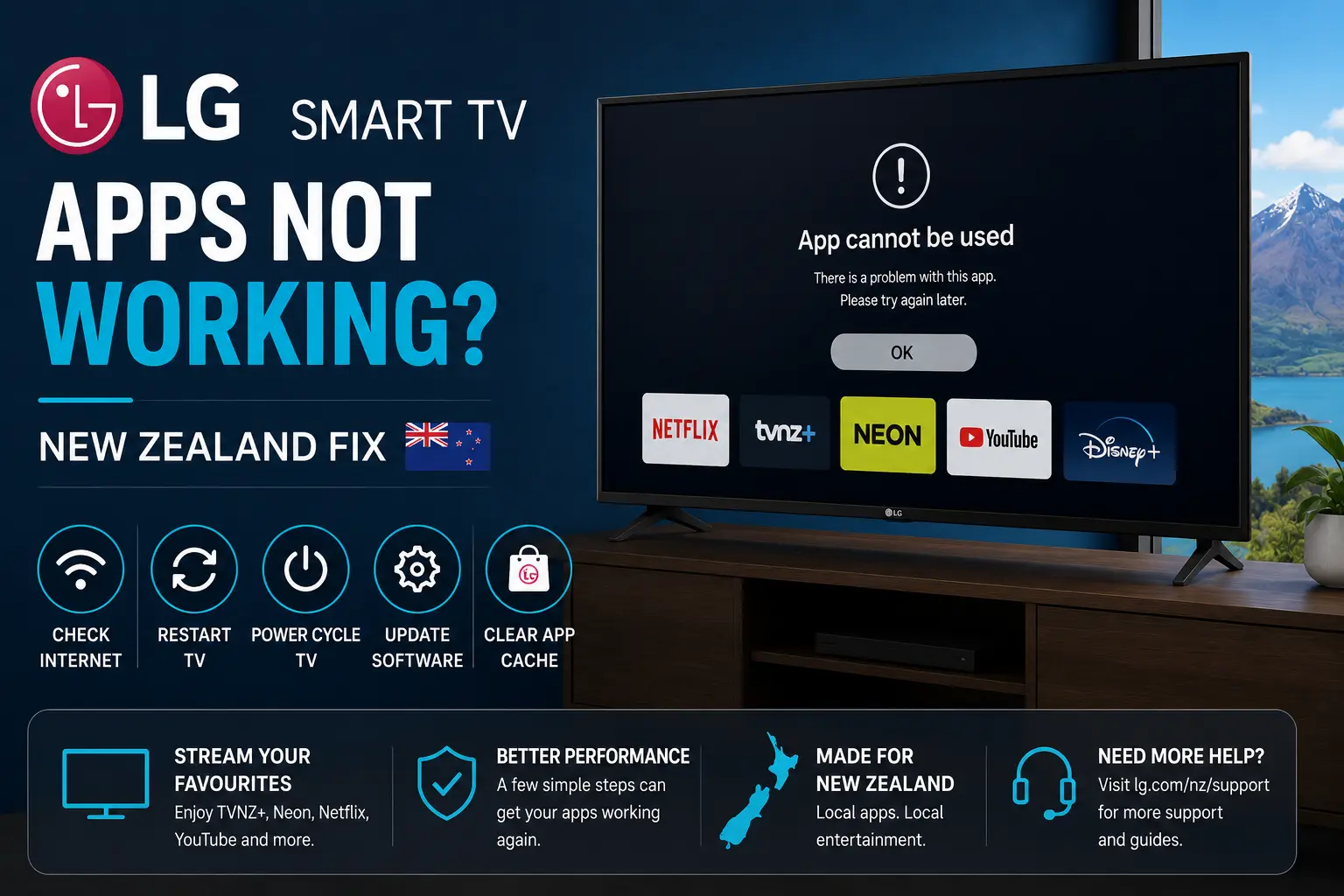
Quick answer: Check the LG TV software version, update webOS, restart the TV, update or reinstall the app, then test another streaming app. If ThreeNow fails on LG, confirm your TV is 2017 or newer with webOS 3.5 or above, because ThreeNow lists that as the LG Smart TV requirement.
Check LG webOS and model support first
LG TVs can run New Zealand streaming apps well, but support depends on model year and webOS version. ThreeNow states that its LG app is available on LG Smart TVs from 2017 or newer that support webOS 3.5 or above. If your TV is older, an external streaming device may be the better fix.
Start by opening LG settings and checking for a software update. After the update, restart the TV completely. Then search the LG Content Store again and update the app that is failing.
| Problem | Possible cause | Recommended step |
|---|---|---|
| App missing from store | Unsupported model or webOS | Check app support and LG software |
| ThreeNow app stuck | Old app data or webOS issue | Update, restart, then reinstall |
| TVNZ+ black screen | Playback or memory issue | Restart TV and test another app |
| Every app buffers | Weak Wi‑Fi at the TV | Use Ethernet or stronger 5 GHz Wi‑Fi |
ThreeNow on LG Smart TV
ThreeNow has a specific help page for LG Smart TVs and another for when the LG app is not working. The key point is to update the TV software before installing or troubleshooting the app. Many app problems are caused by old firmware rather than the app itself.
- Open LG Settings and check for software updates.
- Restart the TV after updating.
- Open LG Content Store and update ThreeNow.
- If the app still fails, uninstall and reinstall it.
- Test another app to separate app issues from Wi‑Fi issues.
Want a cleaner New Zealand streaming setup?
Compare Ultim4K plans, test your device first, and choose a setup that fits your Smart TV, Chromecast, Fire TV, phone or tablet.
TVNZ+ and Neon on LG TV
TVNZ+ and Neon both publish supported-device information. If an app works on your phone but not on LG TV, do not assume the service is down. The phone app and TV app are different builds, and a TV can fall behind if webOS or the app store is not updated.
If the built-in LG app remains unreliable, test the same service through Chromecast with Google TV, Apple TV, Fire TV Stick or another supported device. This can be a practical solution when the TV screen is fine but the app platform is old.
Fix buffering on LG Smart TV
LG TV buffering is often a network issue. The TV may be far from the router, hidden inside a cabinet, or connected to a crowded 2.4 GHz band. If your router is close, Ethernet is the simplest fix. If not, try 5 GHz Wi‑Fi or a better mesh placement.
Before match night or family viewing
New Zealand streaming problems usually become stressful when everyone is ready to watch. Test the app before a live sport event, movie night or replay. Open the app early, confirm the login, play a short video, and keep a backup device ready if the built-in TV app is old.
Official resources to check
- ThreeNow on LG Smart TV
- ThreeNow LG app not working
- TVNZ+ supported devices
- Neon supported devices
- Fix streaming buffering on New Zealand fibre and Wi‑Fi
- Best streaming apps for New Zealand Smart TV users
FAQ
The most common reasons are old webOS software, unsupported TV model year, app-store problems, weak Wi‑Fi, low memory or a temporary app issue.
ThreeNow says its LG app is available on LG Smart TVs from 2017 or newer that support webOS 3.5 or above.
Check whether your TV model and webOS version are still supported, update the TV software, restart it, then search the LG Content Store again.
That usually means the account and internet are working, but the LG app, webOS version, TV model or local storage needs troubleshooting.
No. Ultim4K is an independent setup guide. Official app access, accounts, subscriptions and regional availability remain separate.
Need help with your New Zealand streaming setup?
Message Ultim4K with your TV model, app name, internet type and the issue you see. We can help you check device compatibility and stable viewing options before you choose a plan.