Sky Sport Now Setup Guide for New Zealand Smart TV and Mobile
Sky Sport Now provides streaming access to 12 Sky Sport and ESPN channels, live sport and on-demand content in New Zealand. This guide covers current pass types, supported televisions, Fire TV, mobile, browser setup and the fixes for buffering or account problems.
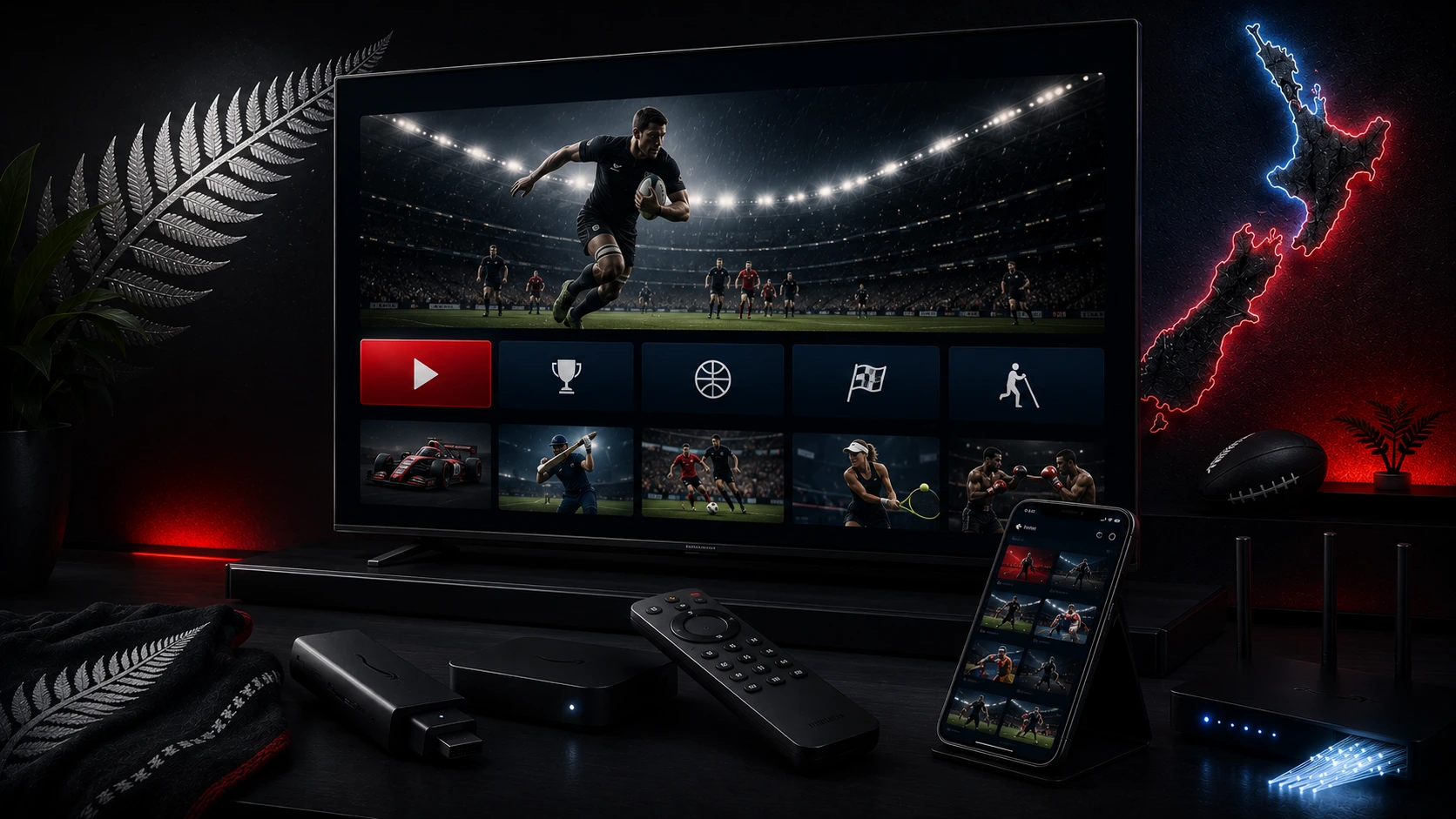
What Sky Sport Now includes
Sky Sport Now gives New Zealand viewers streaming access to 12 Sky Sport and ESPN channels plus on-demand highlights and replays. It covers major sports such as rugby, rugby league, cricket, football, motorsport, golf, basketball and American sports according to current rights.
Current pass options
| Pass | Current listed price | Renewal |
|---|---|---|
| Day Pass | NZ$29.99 one-off | Does not automatically renew |
| Month Pass | NZ$59.99 per month | Renews until cancelled |
| Annual Pass | NZ$549.99 per year | Renews until cancelled |
These are current official listed prices and can change. Pay-per-view events are purchased separately. Review cancellation and renewal terms before confirming payment.
Supported Smart TVs and devices
Sky lists support for selected Samsung TVs, Android or Sony TVs, LG TVs, Panasonic TVs, Hisense TVs, Apple TV, Amazon Fire TV Stick, PS5, Chromecast, mobile devices and desktop browsers. Exact model and software requirements apply.
Install on Samsung or LG Smart TV
- Update the television software.
- Open the official app store.
- Search for Sky Sport Now.
- Install the official application.
- Sign in with the account that owns the pass.
- Test a live channel and on-demand replay.
Install on Fire TV
Open the Amazon Appstore and search for Sky Sport Now. Use the original power adapter, keep storage free and set video resolution to Auto before forcing 4K or HDR.
Mobile and browser setup
Download the official app from Apple or Google Play. On a computer, use a current Chrome, Firefox or Safari browser. Keep the device charged and check mobile-data usage before watching away from home.
Internet speed and stability
Sky recommends a stable connection of at least 7.5 Mbps and suggests fibre broadband. Run the test at the device and location where the stream will play, not only beside the router.
- Use Ethernet for the main television where possible.
- Use strong 5 GHz Wi-Fi nearby.
- Pause large downloads.
- Keep mesh nodes in open positions.
- Lower quality when the connection varies.
Common problems
The pass is active but channels are locked
Confirm the correct account, sign out and sign in, restart the app and allow time for a new purchase to appear.
The app is missing
Check the official supported-device list. Use a current supported external device if the television is too old.
Buffering
Test another device, use Ethernet or stronger Wi-Fi and follow our New Zealand buffering guide.
Audio delay
Test the TV speakers before adjusting the app. Bluetooth audio can add latency.
4K viewing
Sky offers selected 4K UHD sport to eligible Sky Sport subscribers using a compatible new Sky Box or Sky Pod and a 4K television. Sky Go and the Sky Go website remain HD. Check the current event and hardware requirements.
Account safety
- Buy passes only through official Sky pages.
- Use a unique password.
- Review automatic renewal.
- Do not share verification codes.
- Remove old devices when possible.
Related New Zealand guides
Official sources
Frequently asked questions
Sky currently lists a NZ$29.99 Day Pass, NZ$59.99 Month Pass and NZ$549.99 Annual Pass. Prices can change, so confirm them before purchasing.
Sky lists selected Samsung, LG, Android or Sony, Panasonic and Hisense televisions, with model-year and operating-system requirements.
Yes. Sky lists Amazon Fire TV Stick devices running supported software, with model requirements.
Sky recommends a stable connection of at least 7.5 Mbps and recommends fibre broadband for the best experience.
No. Sky states that pay-per-view events such as selected UFC and boxing events are purchased separately.
Content rights are regional. Check the service terms and travel rules before leaving New Zealand.
Need help with your setup?
Tell Ultim4K your television or streaming-device model, the official app you use and whether the connection is Ethernet or Wi-Fi.
Contact Ultim4K