Live Sports Viewing Guide for New Zealand: Apps, Devices, NZST and NZDT
New Zealand sports fans often deal with international kickoffs, changing rights and daylight-saving differences. This guide explains how to find the authorised service, convert NZST and NZDT times, prepare a Smart TV or mobile device, plan replays and prevent buffering before live sport.
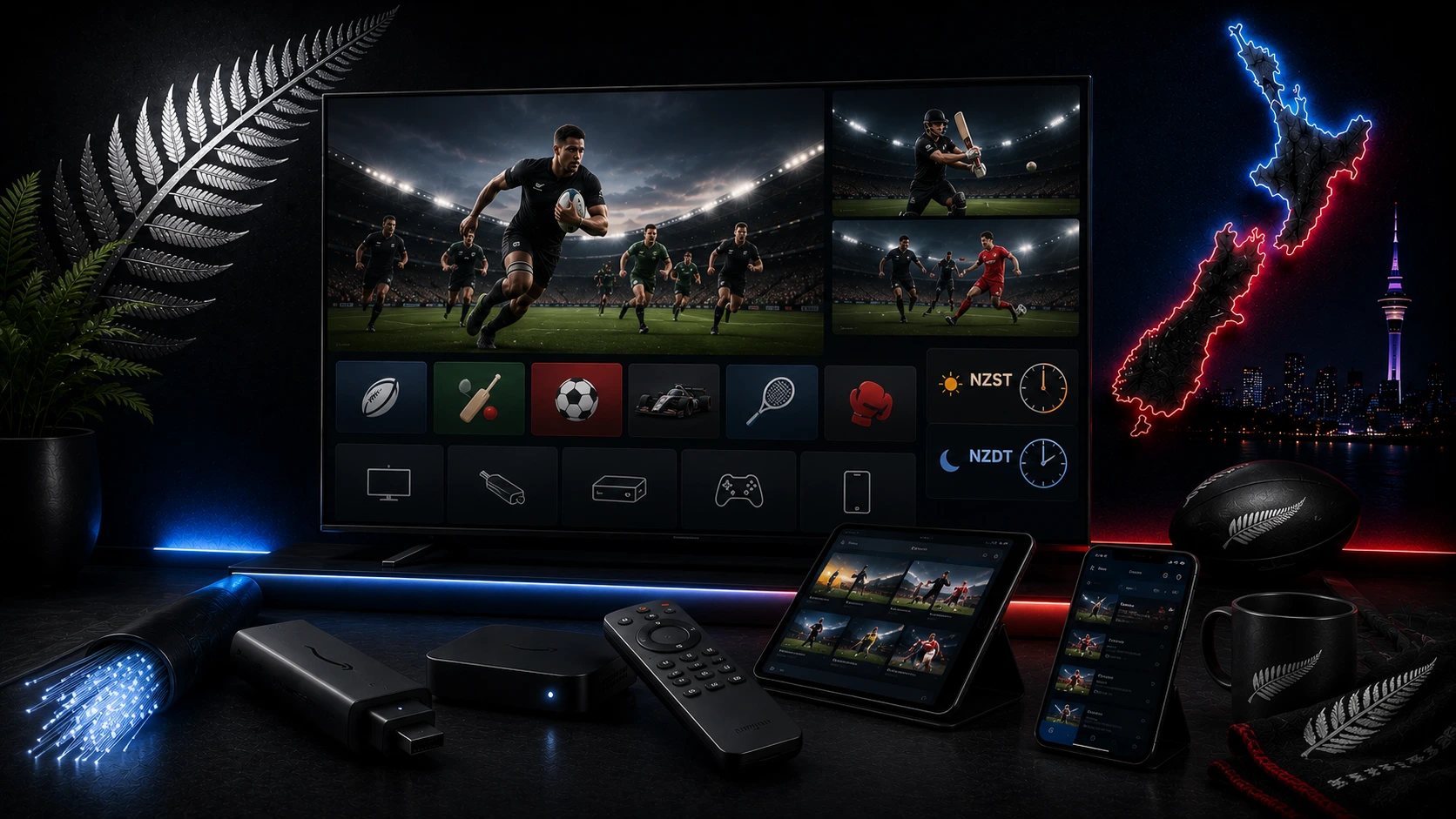
Start with the competition
No single New Zealand service permanently carries every sport. Check the official competition and local broadcaster pages before purchasing. Rights can change between seasons.
Main official viewing options
Sky Sport and Sky Sport Now carry major rugby, rugby league, cricket, football, motorsport and international sport according to current rights. TVNZ+ carries free sport and paid Event Pass products for selected events. Sky Open provides free-to-air sport and can be accessed through supported free platforms.
Understand NZST and NZDT
- NZST: UTC+12.
- NZDT: UTC+13 during daylight saving.
Because overseas countries change clocks on different dates, the time difference is not fixed all year. Use the official New Zealand programme guide whenever possible.
Best devices for live sport
Smart TV
Simple when the official app supports the model. Update the TV, sign in early and use Ethernet where possible.
Fire TV, Apple TV or Google TV
Useful for older televisions and easier to update than some built-in TV software.
Phone and tablet
Useful as a backup, but high-quality video can use several gigabytes.
Laptop
Use a supported current browser, connect the charger and use HDMI where permitted.
Matchday checklist
- Confirm the New Zealand date, local time and official provider.
- Open the app and verify the subscription or Event Pass.
- Test live playback.
- Restart the device if it has been unstable.
- Use Ethernet or strong 5 GHz Wi-Fi.
- Pause downloads.
- Check sound and remote batteries.
- Open the event before coverage begins.
Early-morning viewing
Prepare everything before sleeping, install updates earlier, set an alarm and keep headphones nearby. If a replay is available, decide whether to watch live or avoid spoilers.
Replays and spoiler control
- Disable score notifications.
- Mute team and competition accounts.
- Avoid sports news homepages.
- Use a direct replay link.
- Choose highlights or a mini-match when time is limited.
Prevent buffering
Live sport needs consistent packet delivery. Use Ethernet where possible, strong Wi-Fi where necessary and Auto quality when the connection varies. Read our New Zealand buffering guide.
Picture and audio
Use moderate motion processing. Bluetooth audio can add delay, so test the TV speakers or an HDMI soundbar. Do not force 4K when the service, device or connection cannot maintain it.
Responsible viewing
Use authorised New Zealand services. Unverified streams may be unsafe, unreliable or unlawful. Ultim4K provides setup and troubleshooting guidance and does not guarantee access to a specific competition.
Related New Zealand guides
Official sources
Frequently asked questions
NZST is UTC+12. NZDT is UTC+13 during New Zealand daylight saving.
Yes. Most of New Zealand uses daylight saving during the warmer months, so the difference from overseas countries changes.
No single service permanently carries every sport. Rights differ by competition and season.
A supported Smart TV or streaming box connected by Ethernet is usually the most stable.
Disable score notifications, avoid sports news and open the official replay directly.
Live video cannot build a large buffer without falling behind, so unstable Wi-Fi is more visible.
Need help with your setup?
Tell Ultim4K your television or streaming-device model, the official app you use and whether the connection is Ethernet or Wi-Fi.
Contact Ultim4K